What Digital Transformation Really Means for Small Businesses in 2026
Introduction: Cutting Through the Noise
By 2026, most small business owners have heard the phrase digital transformation more times than they can count. Unfortunately, it's often delivered alongside buzzwords, expensive software demos, and promises that feel disconnected from day-to-day reality. That creates a common reaction: "This sounds expensive, complicated, and not meant for me."
The truth is surprisingly simple: transformation can be practical, phased, and designed around the way your business actually works—no enterprise-level budget required.
For small businesses, digital transformation isn't about adopting the newest tools or chasing trends. It's about using technology deliberately to improve how your business attracts customers, operates internally, and protects itself from risk. When done well, it reduces friction, increases visibility, and strengthens resilience. When done poorly, it becomes a collection of unused tools, rising costs, and growing complexity.
Digital Transformation Defined
For small businesses, transformation means aligning technology investments with specific business outcomes—not just adding more software to the mix. It’s about working smarter, not just working harder with more tools.
This article explains what digital transformation actually means for small businesses in 2026, what matters most, what to avoid, and how to move forward without overwhelming your team.

Core Concepts: What Digital Transformation Actually Is
At its core, digital transformation is technology aligned to business outcomes. The most successful transformations start not with technology questions, but with business questions.
Instead of asking, "What tool should we buy?" start with:
- "What result do we want to achieve?"
- "What's slowing us down today?"
- "Where are we exposed to avoidable risk?"
For small businesses, this practical approach typically focuses on a few clear areas:
- Making it easier for customers to find and trust you online
- Reducing manual work and duplicated effort across your team
- Improving decision-making through shared, reliable data
- Protecting business continuity through smart security and recoverability
Remember This
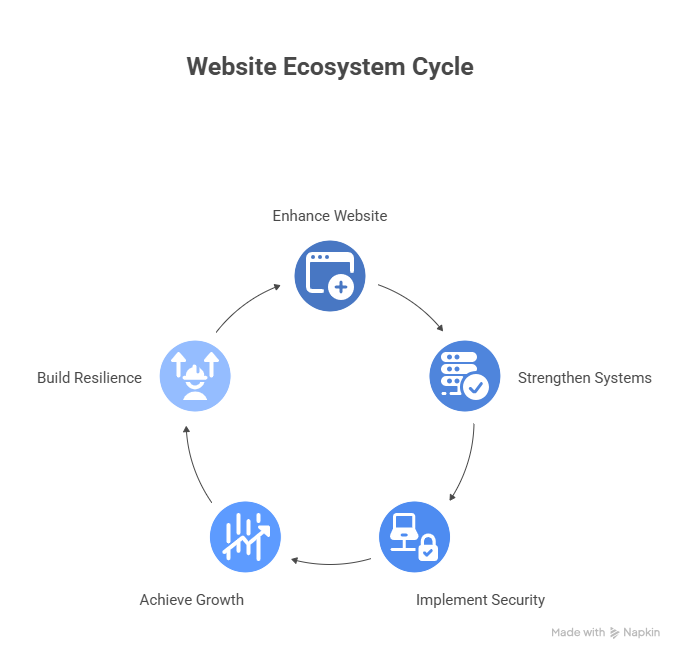
The goal isn’t to build a complex “stack.” The goal is to build a cohesive system: fewer gaps, fewer handoffs, fewer “where did that info go?” moments that drain your team’s energy and focus.
The goal isn't to build a "stack." The goal is to build a system: fewer gaps, fewer handoffs, fewer "where did that info go?" moments.
Key Elements of Digital Transformation for Small Businesses
A High-Performance Website That Converts
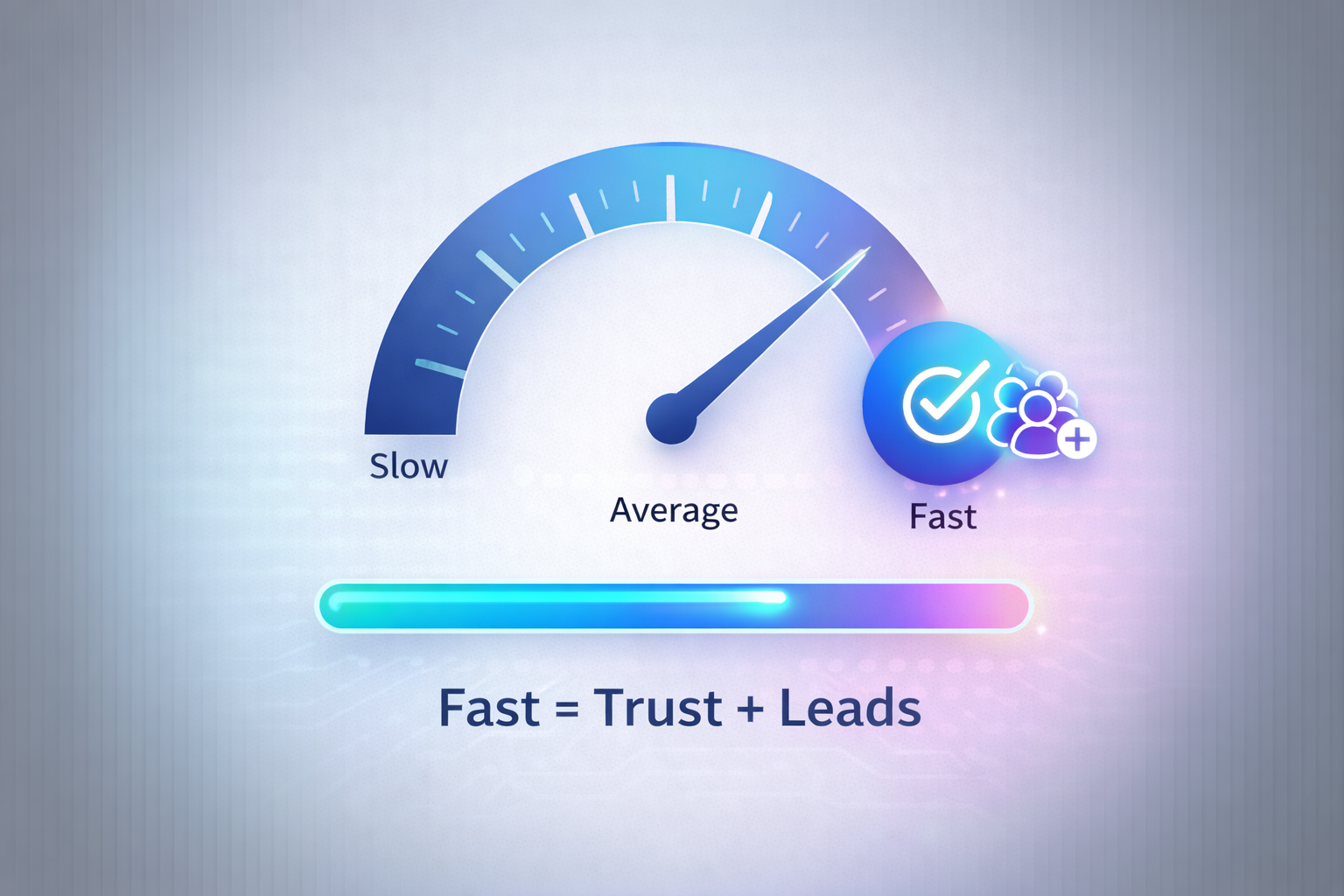
In 2026, your website is often your first serious interaction with a customer. For local services and B2B discovery, it's not just a digital brochure. It's your trust layer and your lead engine.
If a site feels slow, confusing, or outdated, most people don't complain. They leave.
A practical way to think about performance in 2026:
- Your site should load fast on real phones, not just on your office Wi-Fi
- It should feel responsive while people scroll and tap (not "sticky" or laggy)
- It should guide a visitor to one next step (call, quote request, booking, etc.)
Performance Matters
Google’s Core Web Vitals reflect this user-experience reality. In 2024, Google announced that Interaction to Next Paint (INP) becomes a Core Web Vitals metric, emphasizing real-world responsiveness (not just load speed). This means user perception of speed matters more than ever. (Google Search Central, 2023)
There's also clear evidence that performance improvements can translate into business results. For example, web.dev case studies show measurable conversion and engagement gains after performance work (web.dev, 2020).
Recommended approach
A custom-built, performance-first website (e.g., Nuxt or similar modern framework), deployed on a reliable cloud setup (often AWS + CDN), with:
- image optimization + proper caching
- minimal third-party scripts
- strong SEO fundamentals + accessibility
- Core Web Vitals monitoring and ongoing tuning
WordPress can be optimized, but it often becomes slow when weighed down by heavy themes, plugin bloat, or too many marketing scripts. A custom site is ideal when you want maximum performance, tighter security control, and fewer moving parts.
Risk of omission
A slow or unclear site quietly erodes trust and conversions. The loss is rarely obvious on a single day, but it compounds every month.
Connected Systems (So People Stop Being the Integration)
Most small businesses don't choose all their tools at once. They accumulate them:
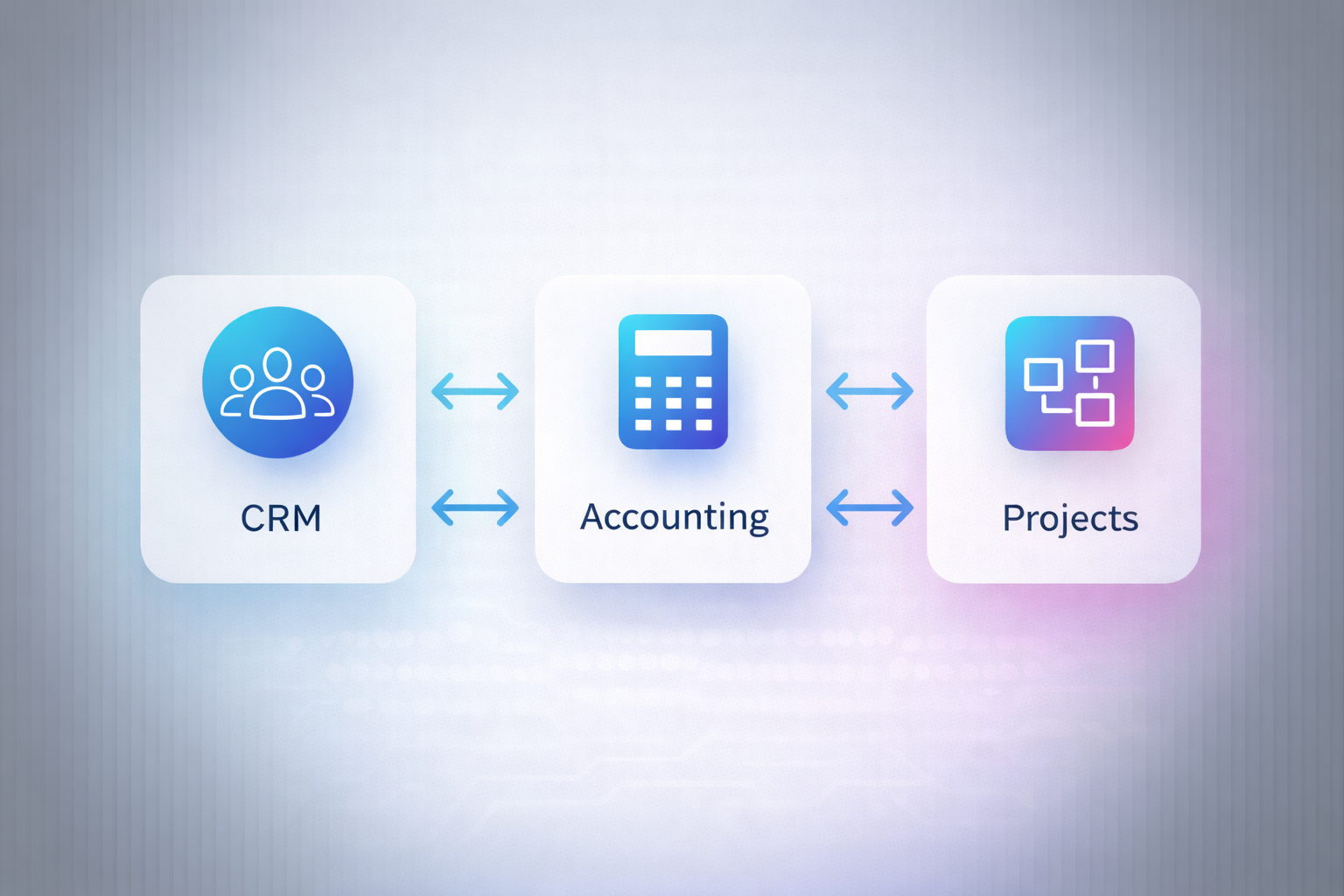
- invoicing/accounting
- lead tracking
- service delivery/project tracking
- forms, email marketing, booking, quoting, etc.
Individually, each tool can be "fine." The pain starts when they don't share information and your team becomes the integration layer: copy/paste, re-entry, spreadsheets, and "don't forget to update the other system."
That manual glue creates predictable issues:
- duplicate entry and inconsistent records
- slower follow-ups
- reporting that never matches reality
- staff spending time managing tools instead of serving customers
The Integration Challenge
Digital transformation here is rarely about adding *more* tools. It’s about connecting what you already rely on to eliminate manual workarounds that waste time and introduce errors.
A practical "connected systems" strategy in 2026 usually looks like one of these:
Option A: Integrate your existing tools
Use APIs, webhooks, automation, and middleware to keep data consistent between the systems you already use.
Option B: Build a lightweight custom hub
Create a simple custom portal or internal app that becomes the "source of truth" for key workflows (intake → work → billing → reporting), and integrate outward as needed.
Option C: Replace fractured tools with a purpose-built system
If your workflow is unique and you're constantly bending off-the-shelf tools, a custom system can reduce cost and complexity long-term.
Recommended approach
A business-aligned integration plan:
- map the workflow first (what actually happens day-to-day)
- define "systems of record" (where the truth lives)
- connect the minimum number of systems needed for a clean workflow
- automate handoffs (lead captured → task created → client notified → invoice generated)
This is where software development becomes a competitive advantage: you're not limited to the "defaults" a SaaS tool allows.
Risk of omission
Disconnected systems create hidden costs through inefficiency, missed follow-ups, and reporting blind spots.
Built-In Cybersecurity and Reliable Recovery
Small businesses aren't "too small to target." Attackers often prefer smaller organizations because defenses are lighter and monitoring is limited.
IBM's Cost of a Data Breach Report 2025 reports the global average cost of a data breach was USD $4.44M, and notes how speed of identification/containment affects cost and disruption. (IBM, 2025)
Verizon's Data Breach Investigations Report (DBIR) 2025 continues to show that common attack patterns (like credential abuse and phishing) remain major drivers across incidents. (Verizon, 2025)
Security Reality Check
For small businesses, the goal isn’t “perfect security.” It’s risk reduction + recovery: reduce the chance of compromise, reduce the blast radius if it happens, and recover quickly if it does.
For small businesses, the goal isn't "perfect security." It's risk reduction + recovery:
- reduce the chance of compromise
- reduce the blast radius if it happens
- recover quickly if it does

Recommended approach (neutral, not vendor-locked)
Pick an email/collaboration platform that fits your environment and secure it properly, such as:
- Google Workspace
- Microsoft 365
- AWS WorkMail (especially for AWS-aligned stacks)
Then implement baseline controls:
- MFA everywhere (email, admin, banking, cloud)
- password manager + strong policies
- endpoint protection + patching
- backups with retention + restore testing
- least-privilege access (who can access what, and why)
Risk of omission
Without strong security and reliable recovery, a single incident can disrupt operations, damage trust, and drain time and cash.
Common Digital Transformation Mistakes
Digital transformation failures are rarely caused by "bad software." They usually happen when a business adopts tools without a plan, then pays for complexity without getting outcomes.
Research literature on digital transformation repeatedly highlights that failures often involve misalignment, governance gaps, and unclear success definitions. (Oludapo, 2024)
Avoid These Common Pitfalls
The most frequent mistakes include buying tools without a roadmap, implementing systems in isolation, not redesigning workflows, treating security as an afterthought, and measuring activity instead of results.
Common mistakes include:
- Buying tools without a roadmap
- Implementing systems in isolation
- Not redesigning workflows (or training staff)
- Treating security as an afterthought
- Measuring activity instead of results (new tool ≠ improved outcome)

A simple test:
If you can't define success in one sentence (with a measurable outcome), the initiative will drift.
The Power of a Unified Approach
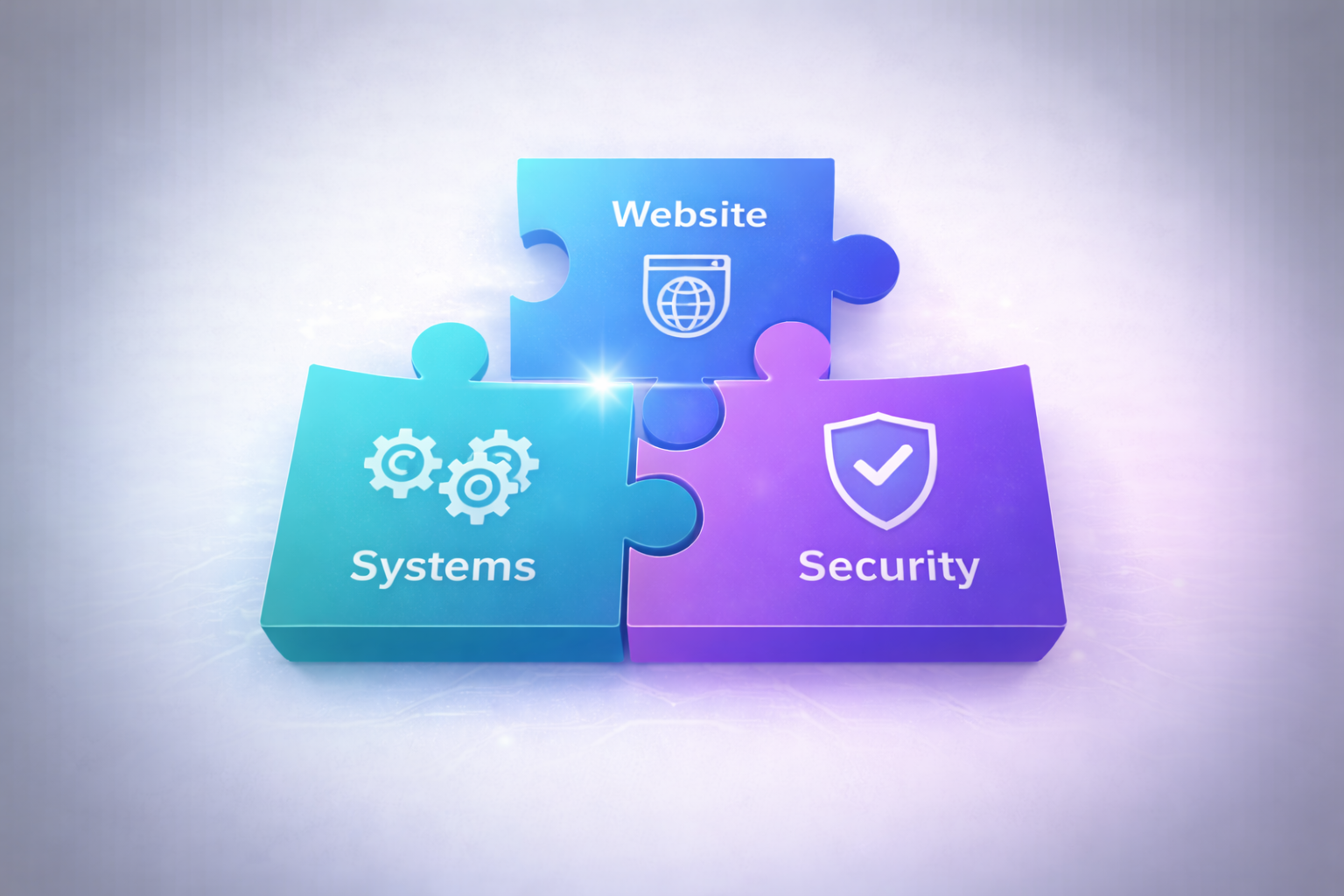
A unified approach treats your website, internal systems, and security as one ecosystem rather than separate projects.
Customers don't experience your business in "departments."
They experience:
- response time
- clarity
- follow-through
- reliability
When your systems are unified:
- lead handling is faster
- service delivery is smoother
- billing is cleaner
- reporting makes sense
- risk is lower
Real-World Outcomes: What Success Looks Like
When transformation is done well, it becomes measurable:
- Faster response times to leads (and fewer missed follow-ups)
- Reduced admin time through automation
- Cleaner invoicing and improved cash flow
- Better reporting and decision-making
- Reduced downtime risk due to recoverability
Measuring Real Impact
Look for tangible improvements in lead response times, reduced administrative overhead, cleaner financial processes, and enhanced decision-making capabilities that directly support business growth.
Common "success signals" include fewer manual steps, fewer spreadsheets used as "bridges," and a team that spends more time doing real work instead of moving data around.

Getting Started Without Overwhelm
Digital transformation doesn't need to happen all at once, and it usually shouldn't.
The goal is progress that compounds, not disruption that exhausts your team.
Key Takeaways
- Avoid trying to transform everything at once—start with high-impact areas
- Focus on business outcomes rather than technology features
- Build momentum with quick wins before tackling complex integrations
- Measure progress consistently and adjust your approach based on results
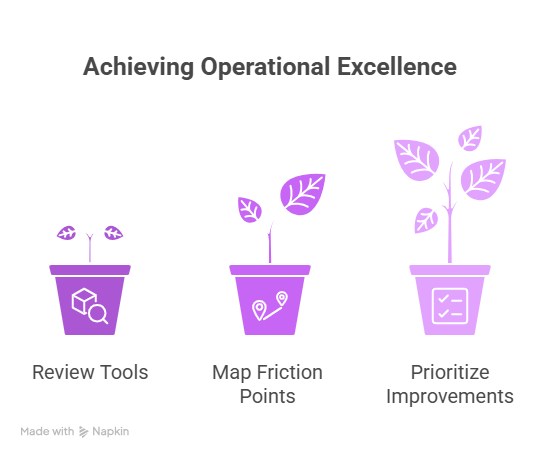
A practical starting point:
- Inventory what you already use
Tools, subscriptions, spreadsheets, workflows, and "unofficial systems." - Map your real workflow
Intake → delivery → billing → follow-up. Identify friction, duplication, and drop-offs. - Pick one high-impact improvement
Choose something tied directly to revenue, efficiency, or risk reduction. - Implement, measure, stabilize
Then move to the next improvement with lessons learned.
Call to Action: Build a Practical Digital Roadmap
Digital transformation in 2026 isn't about chasing trends. It's about building a technology foundation that supports growth, reduces friction, and protects your business from avoidable risk.
If you want help creating a business-aligned digital roadmap, schedule a consultation with Digital Tech Fusion. We'll look at your website performance, your workflows, and your risk posture, then recommend a phased plan built around outcomes.
You'll leave with clear next steps instead of a pile of tools and good intentions.

👉 Talk to Digital Tech Fusion about a practical digital roadmap for your business:
https://digitaltechfusion.ca/contact-us
Bibliography
-
IBM. (2025). Cost of a Data Breach Report 2025: The AI Oversight Gap.
https://www.ibm.com/reports/data-breach
(Direct PDF source used in drafting:
https://www.bakerdonelson.com/webfiles/Publications/20250822_Cost-of-a-Data-Breach-Report-2025.pdf) -
Verizon. (2025). Data Breach Investigations Report 2025 (DBIR).
https://www.verizon.com/business/resources/reports/dbir/
(Executive Summary PDF:
https://www.verizon.com/business/resources/reports/2025-dbir-executive-summary.pdf) -
Google Search Central. (2023). Introducing INP (Interaction to Next Paint).
https://developers.google.com/search/blog/2023/05/introducing-inp -
web.dev. (2020). Case study: Rakuten improves Core Web Vitals and business metrics.
https://web.dev/case-studies/rakuten -
Oludapo, S., Carroll, N., & Helfert, M. (2024). Why do so many digital transformations fail? A bibliometric analysis and future research agenda. Journal of Business Research, 174, 114528. https://doi.org/10.1016/j.jbusres.2024.114528
(ScienceDirect mirror: https://www.sciencedirect.com/science/article/pii/S0148296324000328)